Refunds, un-applying, and other limits
Written By Timothy Murenzi
Overview
What you can and can't do with a retainer once it exists.
Refunds
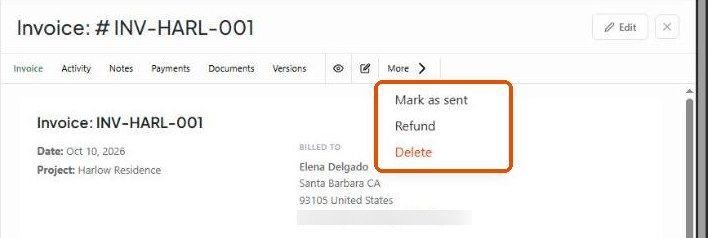
Retainers are backed by an invoice, so refunds use the same flow: open the retainer's quick view panel and click More → Refund. You can apply the amount as a credit on the client's account, record it for your books, or process it through your payment processor.
Undoing a draw
There's no "un-apply" button. To reverse a draw, edit or delete the payment that used the retainer (for example the invoice payment with method Apply Retainer). The balance is freed.
Archive and delete
The archive and delete icons on a retainer row act on its backing invoice. Be careful deleting a retainer that still holds a balance.
QuickBooks
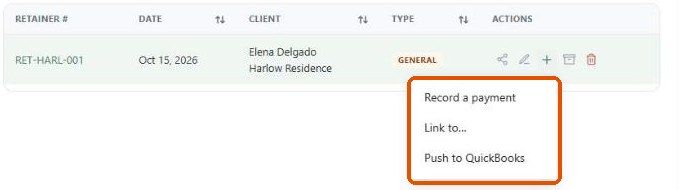
With QuickBooks connected, the list shows a QB Sync column and the row's + menu has Push to QuickBooks.
Other limits
A retainer belongs to one project and can't be spent on another.
A retainer uses the studio currency; there's no conversion.
You can't pay a retainer with another retainer.
Related articles
Retainers
Applying a retainer to an invoice
Was this helpful?
Still need help? Ask the team