Using Product Notes and Team Chat
Collaborate internally on products using notes and team chat tools.
Written By Julia M.
Overview
Each product has its own Chat and Notes, so conversations and internal details stay with the item.
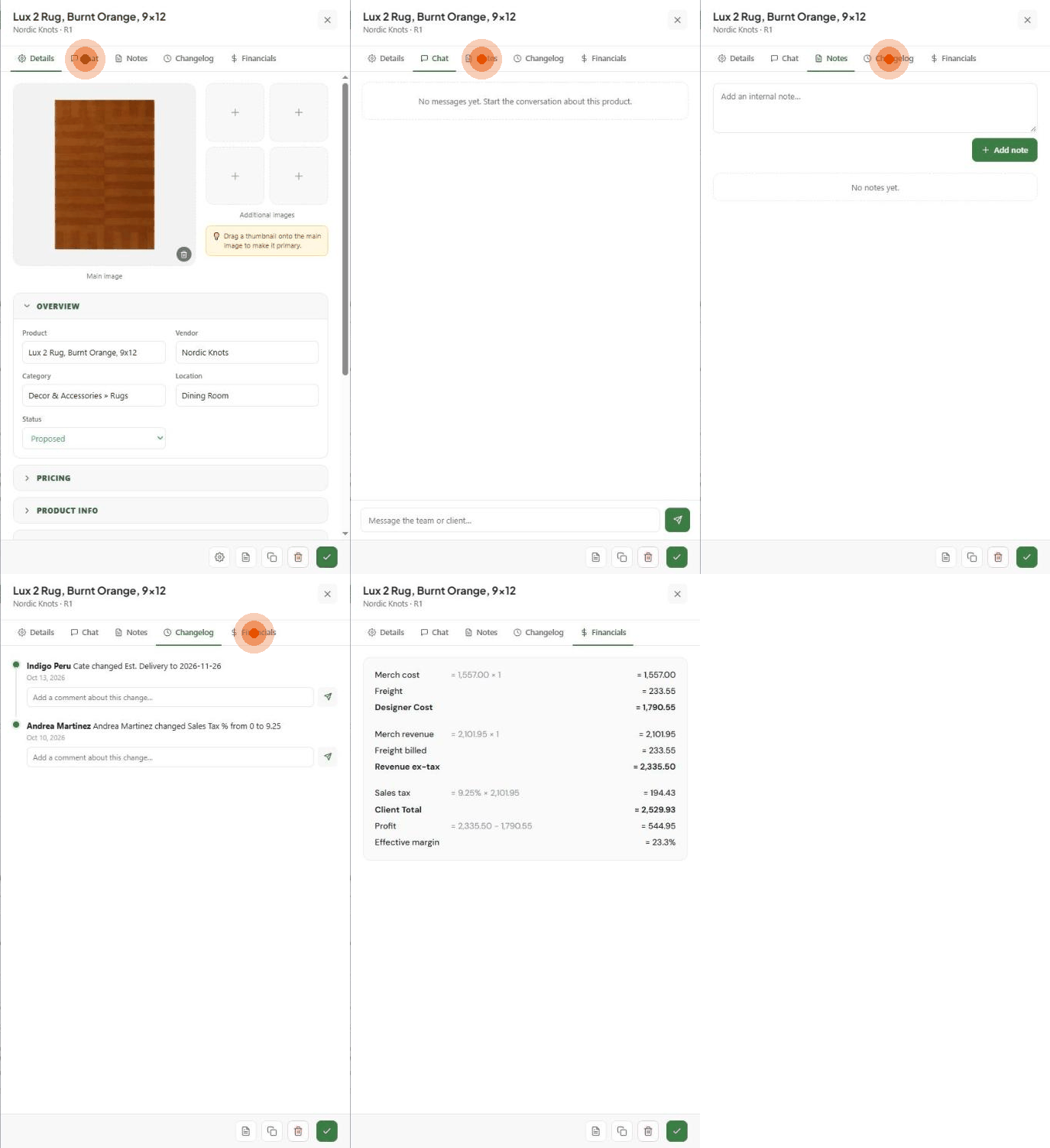
Chat
Open the product and click Chat.
Type in Message the team or client… and send.
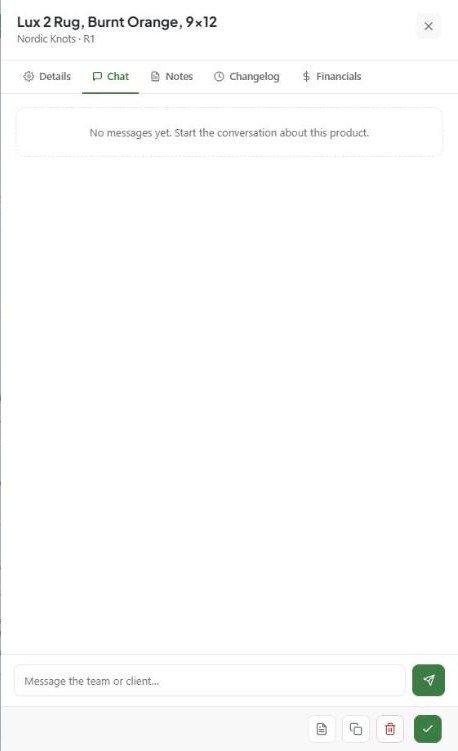
Check who can see a product's chat before writing anything internal — the placeholder indicates messages may reach the client.
Notes
Click Notes.
Type in Add an internal note… and click Add note.

Notes are internal. For something that should appear on spec sheets and schedules, use the Important Note field under Product Info instead.
Good uses
Vendor updates and promised dates.
Installation or handling instructions.
Client revision history.
Related articles
Understanding Product Changelog
Managing Procurement Tracking
Was this helpful?
Still need help? Ask the team