Your Client's Signing Experience
Written By Timothy Murenzi
This is what your client (or any other signer) sees after you click Send for signature. Signers don't need a Workroom account and don't need to install anything.
1. The email
Each signer gets an email with a button that opens their own signing page. In sequential signing, signer 2 is only emailed once signer 1 has signed. In parallel signing, everyone is emailed at once.
2. The signing page
The contract, laid out exactly as you designed it.
The fields assigned to this signer, highlighted for them to fill in: signature, initials, date, name, text and so on. Fields assigned to other signers aren't theirs to fill.
A way to sign, plus an option to decline.
If the contract has a retainer, a Pay Now link for the retainer invoice (see Retainer Payments).
Signers can draw their signature (with a mouse, finger or stylus) or type it. The page works on phones and tablets.
3. After they sign
The signer's state in your Contracts list changes to Signed.
In sequential mode, the next signer is emailed automatically.
When the last signer finishes, the contract becomes Completed and Download signed PDF appears in its ⋮ menu.
If post-sign automation is on, Workroom creates the client and/or project (see Settings & Automation).
What you see while they sign
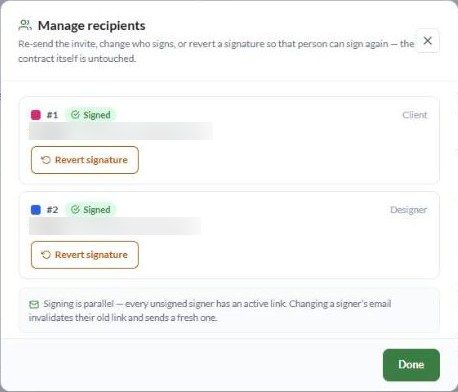
In the Signers column, each person's state moves from Sent to Opened contract to Signed. The overall status moves from Sent to Viewing, then Partially signed, then Completed.
When something goes wrong for a signer
Signers can find more answers in FAQ for Signers, which you can send them directly.
Was this helpful?
Still need help? Ask the team