How to: Export Individual Spec Sheets & Spec Packages
Written By Timothy Murenzi
Overview
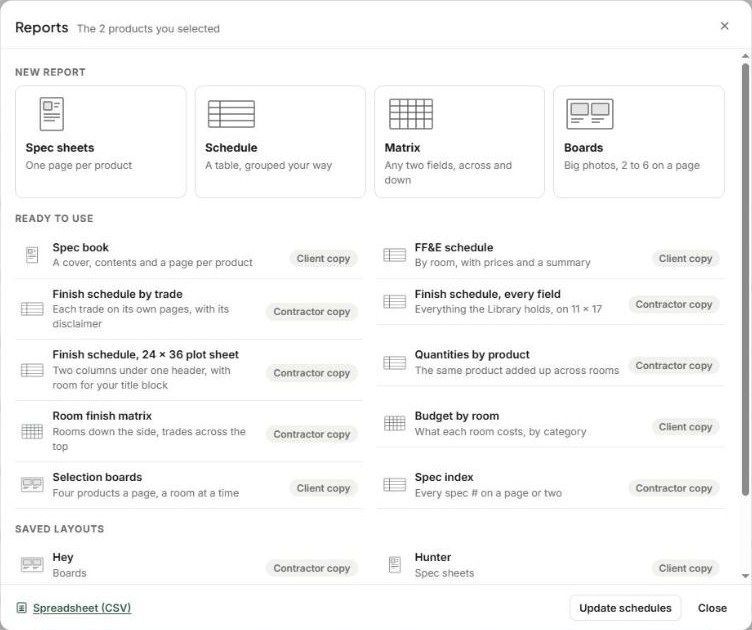
Any product can be exported as a branded spec sheet, and several products can be bundled into one spec book. Both come from Library → Reports.
Where to find it
Left sidebar → Library (formerly FF+E / Catalog / Products).
Related articles
Individual Spec Sheets
Spec Packages
Tips & Best Practices
Was this helpful?
Still need help? Ask the team